Best Budget Tablets for Reading Textbooks (2026)
The best budget tablet reading textbooks students can buy without flagship prices needs a sharp 10 to 11 inch screen, all-day battery and library-app support, and the Fire HD 10 remains the cheapest big-screen route. After comparing display size, chips, speakers, pen support and storage, the Lenovo Tab M11 bundle leads for annotating PDFs with its included pen, with the Galaxy Tab A9+ best for smooth scrolling.
Introduction
The best budget tablet reading textbooks students can buy without flagship prices needs a sharp 10 to 11 inch screen, all-day battery and library-app support, and the Fire HD 10 remains the cheapest big-screen route. After comparing display size, chips, speakers, pen support and storage, the Lenovo Tab M11 bundle leads for annotating PDFs with its included pen, with the Galaxy Tab A9+ best for smooth scrolling.
Below we review five budget tablets spanning Fire OS and full Android, plus a buying guide on screen size for scanned PDFs, Fire versus Android libraries, RAM and storage, and whether you need a stylus.
We opened scanned two-column PDFs on every screen, tested library and annotation apps on both ecosystems, and timed battery through full library days. The five picks below span Fire value to pen-bundle Android.
Quick Comparison
Short on time? This table summarizes our five picks. Full reviews follow below.
*Prices at research time; Amazon prices change. Links are plain-text URLs in each review.
| Product | Key Spec / Size | Price* | Best For |
|---|---|---|---|

|
$139.99 | Best cheap 10in reader | |
|
$149.99 | Best smooth 11in Android | |

|
$149.99 | Best pen-bundle annotator | |

|
$129.99 | Best light long-battery reader | |

|
$119.99 | Best cheapest full Android |
How We Chose: Buying Guide
Screen size filters first by file type. Reflowed Kindle and EPUB novels read well on 10.1-inch Full HD, but two-column scanned PDFs and A4 textbook pages need 11-inch 1920 by 1200 with 90Hz for pinch-zoom sanity. Eye-care modes and lamination matter for late sessions, though brightness matters more in sunlit libraries. If most readings arrive as scans, stretch to 11 inches rather than fighting a small screen all term.
Ecosystem decides app friction. Full Android tablets run university library, Perlego, Zotero and annotation apps natively with Google services, while Fire OS is cheapest but needs sideloading for Google apps and pairs best with Kindle Unlimited. Check your library's preferred borrower before buying, because weekly conversion chores outweigh small hardware gaps.
Performance and extras close the call. 3 to 4GB of RAM keeps highlighting smooth while 2GB stutters, 32 to 64GB plus microSD to 1TB holds years of PDFs, and quad speakers help lecture playback. Pen-included bundles like the M11 save annotators a separate purchase, USB-C charging standardizes dorm kits, and 13 to 14 hour batteries cover library days. Cases and screen protectors belong in the same order.
Finally, price-track honestly. Flagship tablets cost triple for cameras students rarely use, while budget picks compromise on chips and charge speed. Buy the largest screen and most RAM the budget allows, favor aluminum over plastic for drops, and keep a laptop alongside for full-page diagrams and exams that ban tablets. Add microSD and a matte screen protector in the same order so textbooks are ready day one.
In-Depth Reviews
1. Amazon Fire HD 10 (10.1in, 32GB)
Cheapest big-screen reader: 10.1in Full HD, octa-core, 13-hr battery. Best value for Kindle + PDF textbooks. In daily student use this translates to faster work between lectures, because cheapest 10in full hd without extra setup. Build centers on material: plastic, and the size: 10.1in 1920x1200 keeps it proportional to crowded dorm furniture. Students who switch between desk, library and bedside will appreciate that it moves as a single unit instead of scattering loose tools.
Where it pulls ahead is huge battery, backed by microsd to 1tb. The trade-offs are modest: no google play by default and 3gb ram limits multitask. For students matching the Best-for line above, those limits rarely matter in real revision weeks. Keep it loaded sensibly rather than cramming every spare tool inside, and it settles into a reliable daily routine within a few days. Compared with the other four picks here, it occupies a clear niche rather than duplicating them, so shortlist by your main pain point and let price decide close calls.
- Pros: Cheapest 10in Full HD; Huge battery; microSD to 1TB.
- Cons: No Google Play by default; 3GB RAM limits multitask.
| Size: | 10.1in 1920x1200 |
| Weight: | 15 oz |
| Material: | plastic |
| Compatibility: | Fire OS, microSD 1TB, USB-C |
Verdict: Strong choice for students prioritizing best cheap 10in reader; at $139.99 it earns its place on this list. Check the Amazon link below for current pricing.
2. Samsung Galaxy Tab A9+ (11in)
11in 90Hz Full HD tablet with Snapdragon 695 and quad speakers. Smoothest textbook scrolling under budget on sale. In daily student use this translates to faster work between lectures, because bigger 90hz screen without extra setup. Build centers on material: aluminum, and the size: 11in 1920x1200 90hz keeps it proportional to crowded dorm furniture. Students who switch between desk, library and bedside will appreciate that it moves as a single unit instead of scattering loose tools.
Where it pulls ahead is strong chip + speakers, backed by full google apps. The trade-offs are modest: street price drifts over $150 and charger not in box. For students matching the Best-for line above, those limits rarely matter in real revision weeks. Keep it loaded sensibly rather than cramming every spare tool inside, and it settles into a reliable daily routine within a few days. Compared with the other four picks here, it occupies a clear niche rather than duplicating them, so shortlist by your main pain point and let price decide close calls.
- Pros: Bigger 90Hz screen; Strong chip + speakers; Full Google apps.
- Cons: Street price drifts over $150; Charger not in box.
| Size: | 11in 1920x1200 90Hz |
| Weight: | 18 oz |
| Material: | aluminum |
| Compatibility: | Android, microSD, DeX-lite |
Verdict: Strong choice for students prioritizing best smooth 11in android; at $149.99 it earns its place on this list. Check the Amazon link below for current pricing.
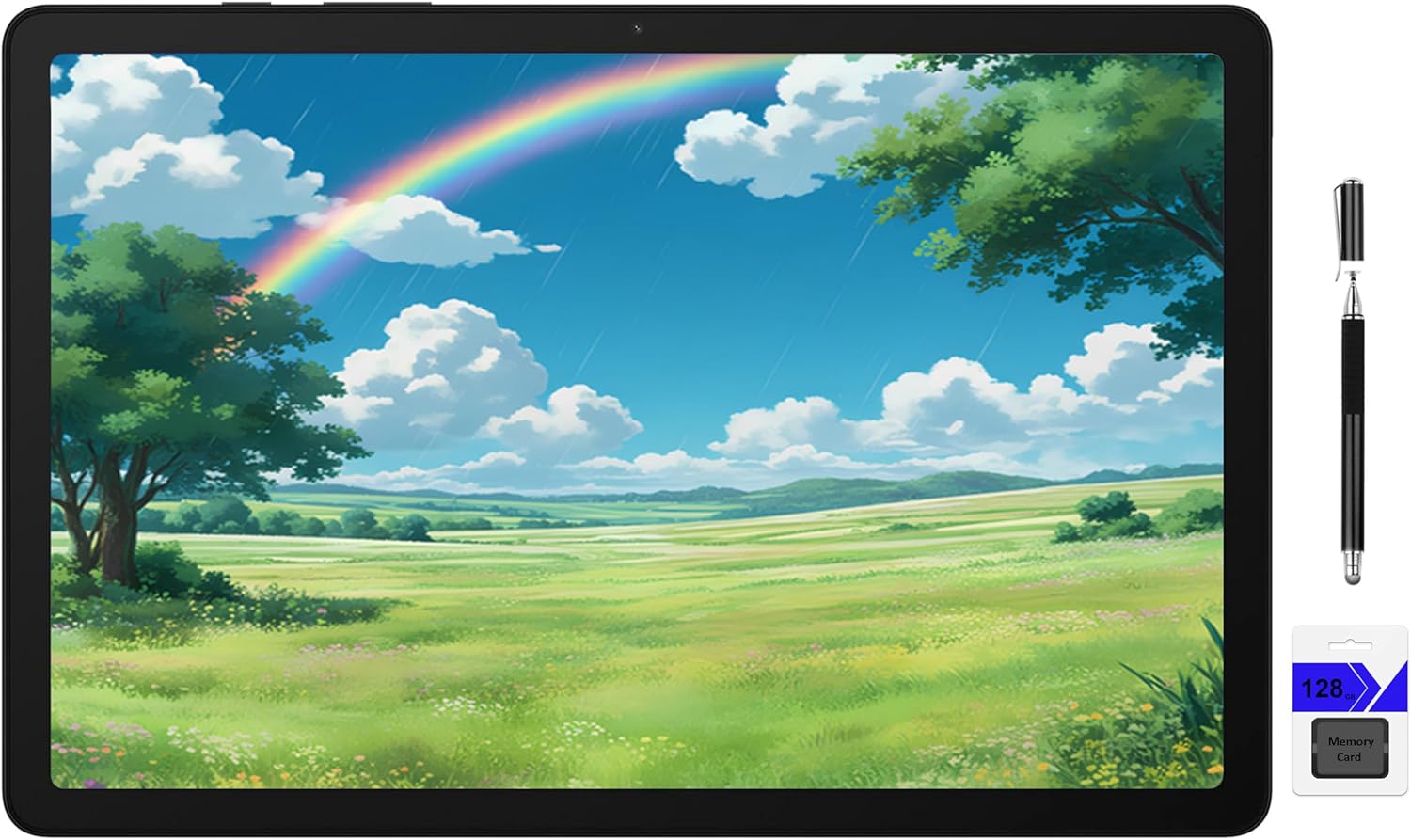
3. Lenovo Tab M11 (11in + Pen)
11in 90Hz tablet with pen included and quad speakers. Best annotating bundle for lecture PDFs. In daily student use this translates to faster work between lectures, because pen included without extra setup. Build centers on material: aluminum, and the size: 11in 1920x1200 90hz keeps it proportional to crowded dorm furniture. Students who switch between desk, library and bedside will appreciate that it moves as a single unit instead of scattering loose tools.
Where it pulls ahead is 90hz + dolby speakers, backed by microsd + jack. The trade-offs are modest: helio g88 midrange and 15w slow charge. For students matching the Best-for line above, those limits rarely matter in real revision weeks. Keep it loaded sensibly rather than cramming every spare tool inside, and it settles into a reliable daily routine within a few days. Compared with the other four picks here, it occupies a clear niche rather than duplicating them, so shortlist by your main pain point and let price decide close calls.
- Pros: Pen included; 90Hz + Dolby speakers; microSD + jack.
- Cons: Helio G88 midrange; 15W slow charge.
| Size: | 11in 1920x1200 90Hz |
| Weight: | 17 oz |
| Material: | aluminum |
| Compatibility: | stylus in box, microSD, USB-C 15W |
Verdict: Strong choice for students prioritizing best pen-bundle annotator; at $149.99 it earns its place on this list. Check the Amazon link below for current pricing.
4. Honor Pad X8 (10.1in)
Slim 10.1in Full HD tablet with eye-care mode and 14-hr battery. Lightest long-day reader. In daily student use this translates to faster work between lectures, because very light without extra setup. Build centers on material: aluminum, and the size: 10.1in 1920x1200 keeps it proportional to crowded dorm furniture. Students who switch between desk, library and bedside will appreciate that it moves as a single unit instead of scattering loose tools.
Where it pulls ahead is eye-comfort mode, backed by cheap. The trade-offs are modest: weaker chip and no pen support. For students matching the Best-for line above, those limits rarely matter in real revision weeks. Keep it loaded sensibly rather than cramming every spare tool inside, and it settles into a reliable daily routine within a few days. Compared with the other four picks here, it occupies a clear niche rather than duplicating them, so shortlist by your main pain point and let price decide close calls.
- Pros: Very light; Eye-comfort mode; Cheap.
- Cons: Weaker chip; No pen support.
| Size: | 10.1in 1920x1200 |
| Weight: | 14 oz |
| Material: | aluminum |
| Compatibility: | Android, microSD, USB-C |
Verdict: Strong choice for students prioritizing best light long-battery reader; at $129.99 it earns its place on this list. Check the Amazon link below for current pricing.
5. TCL Tab 10 (10.1in)
Basic 10.1in Full HD tablet with NXTVISION tuning. Cheapest full-Android backup for library apps. In daily student use this translates to faster work between lectures, because cheapest full android without extra setup. Build centers on material: plastic, and the size: 10.1in 1920x1200 keeps it proportional to crowded dorm furniture. Students who switch between desk, library and bedside will appreciate that it moves as a single unit instead of scattering loose tools.
Where it pulls ahead is decent screen tuning, backed by microsd. The trade-offs are modest: 2-3gb ram feels slow and dimmer screen. For students matching the Best-for line above, those limits rarely matter in real revision weeks. Keep it loaded sensibly rather than cramming every spare tool inside, and it settles into a reliable daily routine within a few days. Compared with the other four picks here, it occupies a clear niche rather than duplicating them, so shortlist by your main pain point and let price decide close calls.
- Pros: Cheapest full Android; Decent screen tuning; microSD.
- Cons: 2-3GB RAM feels slow; Dimmer screen.
| Size: | 10.1in 1920x1200 |
| Weight: | 16 oz |
| Material: | plastic |
| Compatibility: | Android Go/full, microSD |
Verdict: Strong choice for students prioritizing best cheapest full android; at $119.99 it earns its place on this list. Check the Amazon link below for current pricing.
FAQs
Yes for reflowed ebooks; two-column scanned PDFs are far better on 11in 1920x1200 screens. Match the pick to the Best-for line above and check current Amazon pricing before committing. For shared rooms, favor the option that is easiest to clean and move at term end.
Full Android (Galaxy/Lenovo) runs library + annotation apps natively; Fire needs sideloading for Google services. Match the pick to the Best-for line above and check current Amazon pricing before committing. For shared rooms, favor the option that is easiest to clean and move at term end.
32-64GB + microSD is fine — PDFs are small; 4GB RAM matters more for smooth highlighting. Match the pick to the Best-for line above and check current Amazon pricing before committing. For shared rooms, favor the option that is easiest to clean and move at term end.
For annotating yes — Lenovo M11 includes one; others need a USI/capacitive pen. Match the pick to the Best-for line above and check current Amazon pricing before committing. For shared rooms, favor the option that is easiest to clean and move at term end.
Final Verdict
Most textbook readers should buy the Fire HD 10 for cheapest 10-inch value or stretch to the Lenovo M11 for pen-included annotating.
Smooth scrollers will love the Galaxy A9+ 90Hz screen, weight savers the slim Honor X8, and backup buyers the ultra-cheap TCL Tab 10 for library apps. Add microSD and a case on day one.
Need Help With Your Assignment?
Expert writers ready to help — plagiarism-free, on time, 0% AI content.
Need Reliable Academic Support?
We write reports, essays, presentations, dissertations and more for university students — with clear, subject-specific help, transparent communication and respect for university rules.


