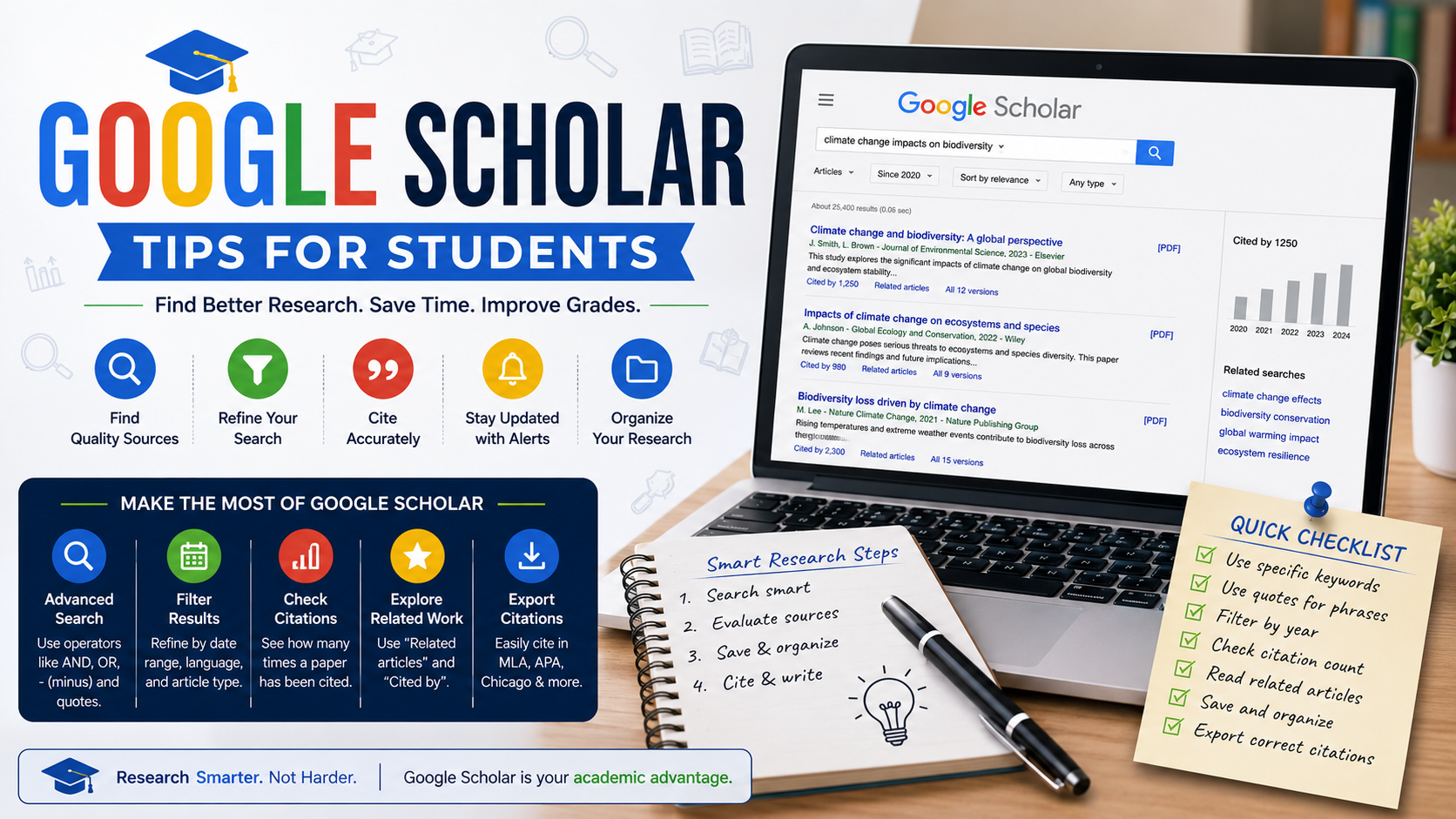
Google Scholar is the most widely used free academic search engine in the world — but most students use only a fraction of its capabilities. Knowing the right search techniques can transform hours of frustrating browsing into a targeted, efficient literature search that surfaces exactly the sources you need.
This guide covers the most powerful Google Scholar search tips for university students, from advanced operators to citation tracking and library integration. For expert help turning your research into a well-written dissertation or essay, contact Academia Helper.
Quick Summary: The most powerful Google Scholar features are: exact phrase search with quotes, Boolean operators (AND/OR/NOT), date filtering, "Cited by" tracking, author search, and connecting your university library for free full-text access.
Basic Search Best Practices
Before using advanced features, these basic habits will immediately improve your results:
- Be specific: Search
"employee motivation remote work"rather thanmotivation work - Use academic terminology: Use the technical terms your field uses, not everyday language
- Start broad, then narrow: Begin with 2–3 key terms, then add more specificity if you get too many irrelevant results
- Check citation counts: Articles cited by many other papers carry more academic weight
Advanced Search Operators
| Operator | What It Does | Example |
|---|---|---|
"phrase" | Exact phrase match | "transformational leadership" |
AND | Both terms must appear | leadership AND motivation |
OR | Either term can appear | qualitative OR quantitative |
-word | Exclude a term | motivation -sport |
author: | Search by author name | author:Bandura self-efficacy |
intitle: | Search in article titles only | intitle:literature review methodology |
source: | Search within a specific journal | source:"Journal of Marketing" |
Filter by Date
On the left-hand side of Google Scholar results, you can filter by date range. Use this to:
- Find recent literature published in the last 5 years for current topics
- Set a custom range (e.g. 2015–2025) for a balanced literature review
- Sort results by date to see the most recent publications first
Best practice: For most dissertations, aim for at least 70% of your sources to be published within the last 10 years. Use the date filter to ensure recency without completely excluding foundational older studies.
Using "Cited By" to Build a Source Network
Beneath every Google Scholar result, you will see a "Cited by X" link. This is one of the most powerful research tools available:
Find a highly cited foundational paper
Search your topic and identify a paper with a high citation count (50+ for recent papers, 500+ for older ones). This is a key paper in your field.
Click "Cited by"
This shows every paper that has cited the foundational work — meaning they are all related to your topic. Filter this list by date to find recent developments.
Search within citing articles
In the "Cited by" results, use the search box at the top to narrow down to your specific angle. Example: if your topic is leadership in healthcare, search for "healthcare" within the citing articles.
Using "Related Articles"
Next to "Cited by", Google Scholar also shows "Related articles" — papers that share similar topics, methods, or keywords. This is excellent for discovering research you would not have found through keyword searches alone, particularly for interdisciplinary topics.
Connect Your University Library
This is the most underused Google Scholar feature. Connecting your university library account unlocks free full-text access to thousands of papers that would otherwise be paywalled.
Go to Settings
Click the menu icon (☰) in the top left of Google Scholar and select Settings.
Click "Library links"
Search for your university name and select it from the list.
See full-text links in results
Your search results will now show a link (e.g. "Full text via [University Library]") next to articles your institution subscribes to.
Save Papers and Set Alerts
My Library
Click the bookmark icon beneath any result to save it to "My Library" — your personal Google Scholar reading list. Organise saved papers into labelled collections for different topics or chapters.
Email Alerts
After any search, click "Create alert" in the left sidebar. Google Scholar will email you when new papers matching your search terms are published — keeping your literature review up to date automatically.
Check Author Profiles
Many academics have Google Scholar profiles listing all their publications, citation counts, and h-index. If you find a highly relevant author, visit their profile to browse their full publication list — you may find additional papers directly relevant to your topic that did not appear in your keyword searches.
Final Thoughts
Google Scholar is far more powerful than most students realise. Combining advanced operators, citation tracking, date filters, and library integration transforms it from a basic search engine into a comprehensive academic research tool. For expert dissertation and essay writing support once you have gathered your sources, Academia Helper is here to help.